How an ATS Reads a Resume: Parsing, Screening and Review
Understand resume parsing, employer screening rules and AI matching. Learn what you can check without treating a resume score as a hiring prediction.
An applicant tracking system, or ATS, helps an employer manage applications. Depending on the product and configuration, it can extract resume fields, support search, apply screening rules and help organise review. There is no single ATS workflow or universal score that determines whether every resume passes.
Separate three questions: can the system read your document, does your application meet the employer’s requirements, and does the evidence make you a suitable candidate? A formatting check can help with the first question. It cannot answer all three.
Parsing turns a document into fields
A parser attempts to extract information such as contact details, employers, roles and dates. Greenhouse documents that complex formatting and image-based files can cause incomplete extraction. It also explains that a failed parse can leave the resume attached while fields need manual entry. That is different from automatically rejecting the candidate.
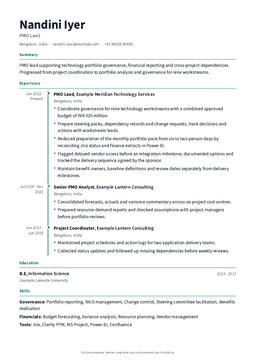
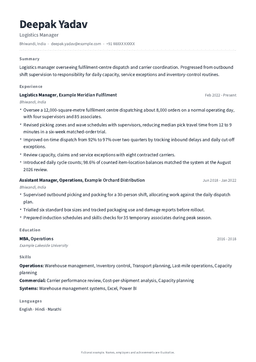
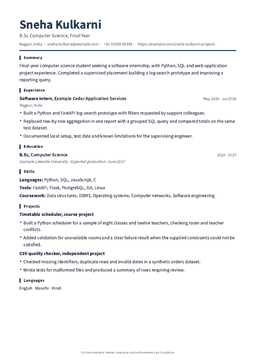
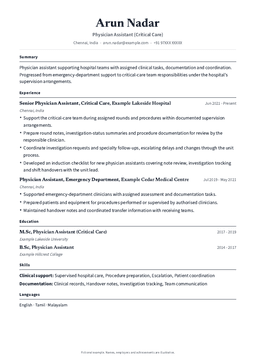
Use clear headings and keep essential details as selectable text. A simple single-column layout is a cautious starting point when you do not know the receiving system. Other layouts can work, but their appearance alone does not prove extraction quality. No template can guarantee correct parsing in every employer’s system.
Screening rules are a separate step
Employers can configure rules using answers in an application form. Greenhouse, for example, supports automatic rejection based on selected responses to custom questions. A required licence question can therefore matter independently of the resume layout. Answer accurately and review autofilled fields before submitting.
Do not infer the cause of a rejection from its speed alone. A quick email does not establish that a parser failed, that one keyword was missing or that a universal score was too low. Without information from the employer, the reason may remain unknown.
Search and AI matching vary by product
Recruiters may search candidate information or use tools that compare it with role criteria. Lever describes AI screening as helping organise and prioritise applicants for human review. That product description is not evidence that every employer uses the same matching approach or follows the same process.
Use the vacancy’s terminology when it accurately describes your experience. If the role asks for SQL and you used SQL to reconcile records, state the task and tool. Do not add a skill you cannot demonstrate or repeat the job description as a hidden block of text.
A practical check before you submit
Open the exact exported file, select its text and paste it into a plain text editor. Check that your name, contact details, roles, employers, dates and bullets appear in a sensible order. This is a useful extraction check, but the receiving ATS may use a different parser.
Then review the application form after upload. Correct any editable autofilled fields and confirm that the attachment opens. Follow the employer’s accepted file types and size limit. Keep a copy of the submitted file and the vacancy so you know which version the employer received.
If extraction is incomplete, simplify the layout or export again with real text. Inspect the new file rather than assuming a different template name solves the problem. For a scanned document, create a text-based version from the original content where possible.
Make the evidence easy to find
Fictional example: a vacancy asks for stock reconciliation and Excel. “Responsible for inventory” leaves the task vague. “Compared weekly stock counts with the warehouse register in Excel and referred unmatched movements to the supervisor” gives the reader a task, tool and appropriate level of responsibility. Use only details that are true for you.
You do not need to force a metric into every bullet. A clear output, method, responsibility or constraint can be useful evidence. Keep the title and dates accurate, and distinguish an individual action from a team outcome.
What a resume checker can and cannot tell you
ResumeGuru’s review can help identify issues in the document and suggest improvements. Its score reflects its own review rubric. It is not the employer’s ATS score, a probability of an interview or proof that an application will pass a screening rule. AI feedback also needs your review for accuracy.
Use a checker as one part of editing: inspect the file, compare the vacancy with your real experience and review the final wording yourself. A readable, relevant and truthful resume is the aim; a particular checker score is not an employment outcome.